Why the AI Left Out the Thunder: How to Write Sound and Motion Prompts for Ambient Videos
A sound you asked for isn't in the clip, or the wrong thing moves in the picture? How AI sound and video generators read your prompt, why things go missing, and how to write prompts that come out right more often.
You ask for a thunderstorm and get steady rain with no thunder. You add birdsong to a forest and the birds never sing. You describe snow falling past a window, and the snow barely moves while a candle on the sill flickers. Nothing crashed and no step was skipped. Generative AI simply does this now and then, and it's worth knowing why, because the why tells you how to write the next prompt.
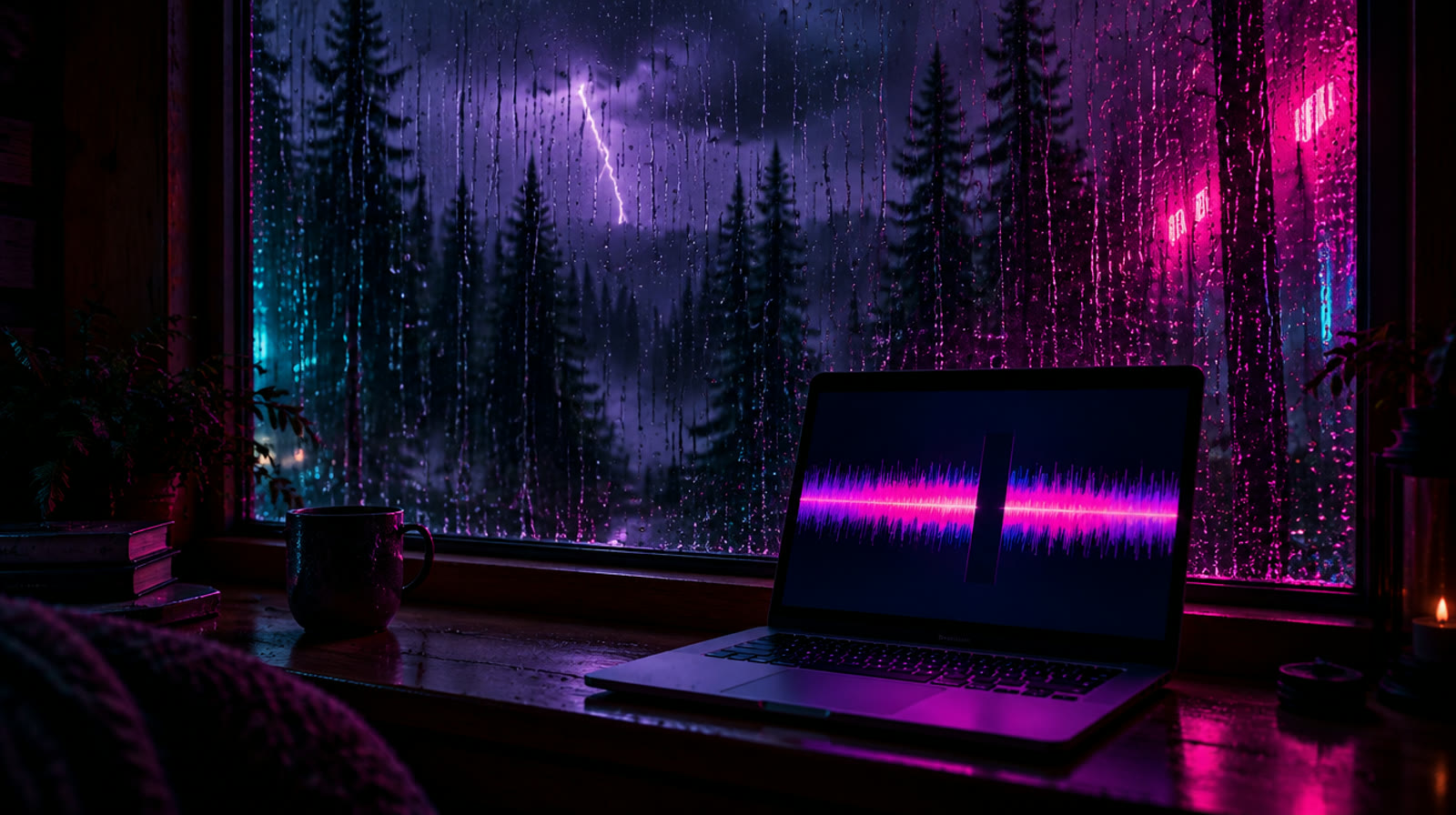
We use Every Mood Studio for the examples, but most of what follows applies to any AI sound or video tool.
Why does the same prompt give different results?
An AI generator doesn't look a sound or a picture up in a library. It creates a new one every time, and part of that process is random. Run the same description twice and you get two different takes: heavier rain in one, a different rhythm in the other, thunder in one version and none in the next. That's why no tool can promise that every word of a description will be heard or seen.
It's also why Every Mood Studio includes regenerations. Each credit you spend on a project includes one free regeneration of anything in it: the sound, a picture or the video loop. After that, 1 credit covers 2 more, and the app always asks before charging. Generations that fail don't count.
How Sound mode turns your words into sound
In Sound mode, a sound-effects model makes one 30-second clip from your description, and that clip repeats for the whole video, whether it runs 30 minutes or 10 hours. Three things follow from that:
- Your description is the only instruction the model gets. The text in the Sound description field goes to the generator as written, up to 400 characters, with a short note asking for a seamless loop. Only a description of a few words gets a fuller base description added in front.
- Everything has to fit into the same 30 seconds. Every sound you add competes with the others for those seconds.
- Whatever lands in the clip repeats. A single thunderclap in the clip comes back every 30 seconds. A clip without thunder means a whole video without it.
The generator is also set to sound natural rather than follow every word literally. That keeps ambience from sounding synthetic, but it means each word in your description is a strong request, not a command.
Why sounds go missing
Too many sounds
In testing on real projects, about three distinct sounds come through reliably in one 30-second clip. Add a fourth and one of them tends to disappear. "Rain, thunder, a crackling fire, wind chimes and an owl" is five sounds, so expect a couple of them to be missing.
One loud sound covers the rest
A big, dense sound like a downpour, a waterfall or a roaring fire is easy for the model to do well, and it can fill the whole clip from the first second to the last, leaving no room for anything that comes and goes. If thunder is the point, make it the main sound and keep the rain moderate.
Soft words make sounds vanish
A sound described as "soft", "gentle", "faint" or "distant" often comes out so quiet you can't pick it out. For a background sound you want to hear, write "clearly audible" instead.
Occasional sounds are a gamble in 30 seconds
Thunder, a dog barking or a train horn are events, not textures. In 30 seconds the model may put one in, several, or none. That's the main reason to listen to the preview before you move on.
How to write a sound prompt that comes out right more often
- Start with the main sound, the one that plays the whole time.
- Then write "In the background:" and at most two more sounds.
- Say how often: "throughout", "every few seconds", "now and then".
- Call background sounds "clearly audible", never soft or distant.
- Say what you don't want: "no music, no voices".
A thunderstorm, written this way:
A seaside:
Enhance with AI writes descriptions in this shape on its own: the main sound first, up to two more after "In the background:", and no sounds you didn't ask for. You can edit its text before generating, and whatever you leave in the field is exactly what the generator gets.
Then listen to all 30 seconds
The preview on the Sound step is the exact clip that will repeat, not a sample of something longer. Listen to the whole thing and ask two questions: is every sound I need in here, and is there anything that will get annoying when it comes back every 30 seconds? If a sound you need is missing, press Generate New Version, or rewrite the description and try again. Every version stays in the list, so you can go back and keep the best one.
Why the picture didn't move the way you described
The video loop works in a similar way. You pick one of four images, and an image-to-video model animates it into a 10-second loop. Before that, an AI looks at the picture and writes a short motion prompt: which things should move, and how. The animator decides how much each of them moves, and a strong, obvious motion like flickering flames can take over while the thing you actually cared about barely moves.
Since October 20, when your visual description says what matters most (for example, "what matters most: the falling snow"), the motion prompt starts with it and asks for it as the strongest motion. You can also take control yourself:
- After the first loop, the motion prompt is shown under the video. If the thing you care about isn't first, press the pencil (Edit Motion Prompt), write your own or press AI Analyze Image for a new suggestion, then Generate with This Prompt.
- Put the main motion first and keep the list short: "Snowflakes drift down steadily past the window. The candle flame flickers. Static camera."
- Leave out what doesn't need to move. Every extra element shares the motion.
- Choose a picture where the moving thing is big and clear. Waves that fill the frame show far more movement than a thin strip of sea on the horizon.
When a regeneration isn't enough
If you've tried a couple of versions and a sound or a motion still won't come out, change the description instead of repeating it: fewer sounds, the missing one first, no "soft". That's a better use of a regeneration than rolling the same dice again.
The step-by-step version of all this is in the tutorial a thunderstorm video with rain running down the window, and the full Sound mode guide covers durations and prices.
FAQ
How many sounds can one Sound-mode generation include?
About three distinct sounds come out reliably: one main sound that plays the whole time and up to two more. With more than that, the generator tends to drop some.
Does it help to separate the main sound from the occasional ones?
The generator gets your description as one piece of text; there's no separate field for background sounds. Writing the main sound first and the rest after "In the background:" is the clearest way to say which one matters most, and it's the structure AI Enhance uses.
Does the AI Enhance text actually reach the sound generator?
Yes. The text in the Sound description field is sent as written, up to 400 characters, cut at the end of a sentence or a word. Before October 6, longer descriptions were cut at 200 characters, so the last sounds in them could be lost. That's fixed.
How do I make one sound continuous and the others occasional?
Say it in words: "throughout" for the main sound, "every few seconds" or "now and then" for the rest. The model follows this most of the time, not always, so check the preview. An occasional sound that lands in the clip will come back every 30 seconds.
How do I keep a rhythmic sound at the same pace?
The whole video repeats one 30-second clip, so the pace can't drift over the hours: if it's steady in the preview, it's steady in the video. Describe movement as movement ("walking through snow", "waves rolling in") rather than "at an even pace", which in testing made footsteps sound like stepping in place. If the pace changes inside the preview, generate a new version.
Will I get my credits back if the result isn't what I wanted?
Credits pay for the generation itself, which is why every credit comes with a free regeneration and results that simply differ from what you pictured aren't refunded. Generations that fail don't use your regenerations, and if something is actually broken, write to us.