Looped Image YouTube Video vs a New Scene for Every Track
One picture looped for hours or a new scene for every track? What each takes to make, who it suits, what YouTube's rules compare, and the cost in credits.
A looped image YouTube video shows one picture, still or gently moving, from the first second to the last while hours of music or ambience play underneath. A scene-per-track video changes the picture whenever the track changes. The first is the quickest long video you can make; the second gives viewers something new to look at every few minutes. Neither one is what YouTube's monetization rules judge, so the choice comes down to your audience and your time.
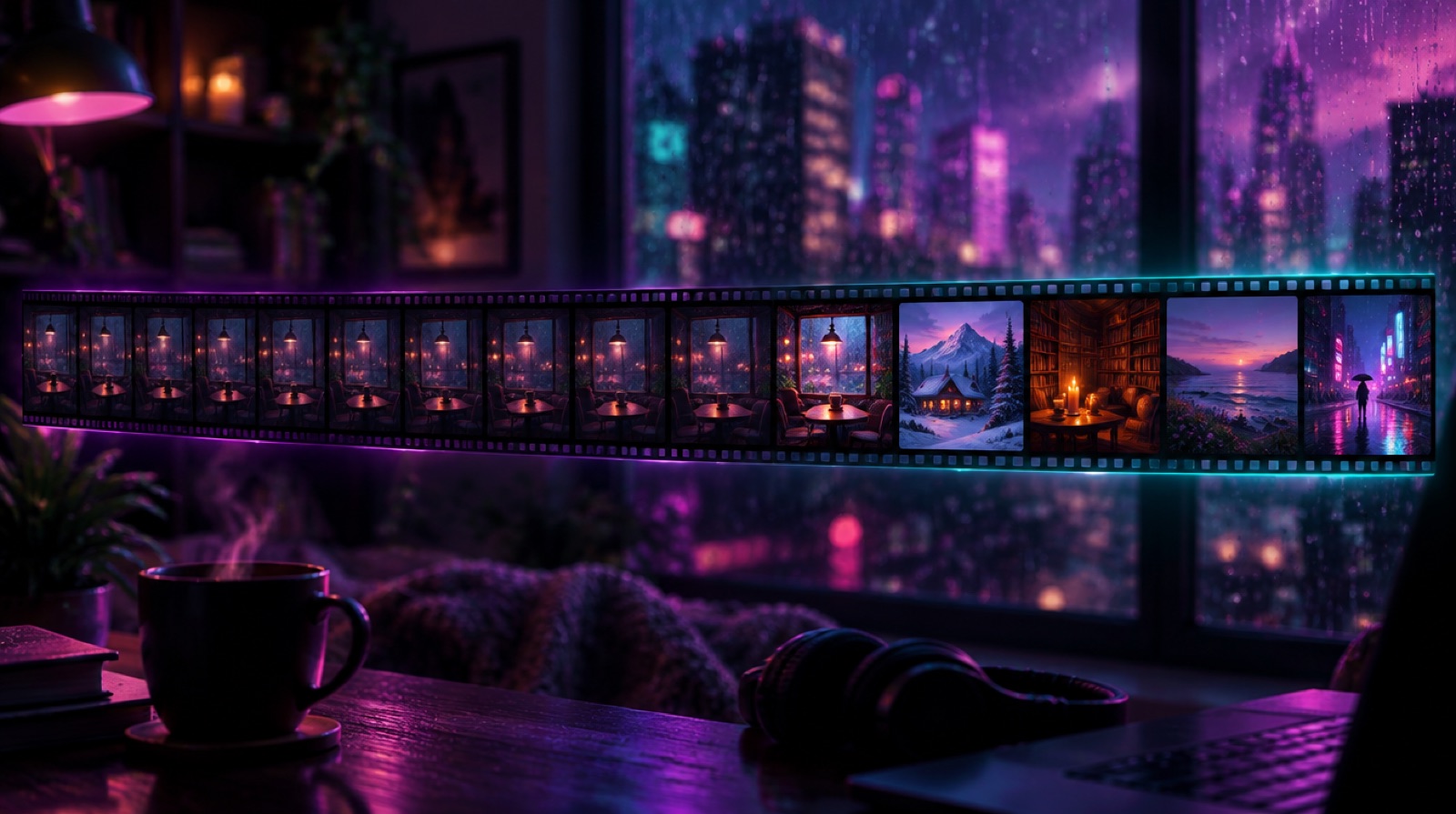
What is a looped image video?
It comes in two kinds. The simplest is a still picture: one image stretched to the length of the audio. The other is a short animated clip, rain running down a window or a fire flickering, repeated end to end for the whole video. Both put one scene in front of the viewer for one hour or ten.
A scene-per-track video gives each track its own picture and its own loop. With tracks of about 3.5 minutes, a one-hour video has about 17 scenes and a ten-hour video well over a hundred.
Side by side
| One looped image, by hand | A scene per track, by hand | Every Mood Studio, Music mode | |
|---|---|---|---|
| Scenes in a 1-hour video | 1 | About 17, if you make one per track | About 17 to 20, one per track |
| Scenes in a 10-hour video | 1 | Up to 150, if you make one per track | Up to 150, one per track |
| Music | Audio you already have | Audio you already have or generate | Original instrumental tracks, a separate prompt for each |
| Motion | None, or one short loop you make | One loop per picture, made in an animation tool | A 5-second loop per scene whose last frame matches the first |
| Assembly and export | You, in an editor, on your computer | You, in an editor, on your computer | On our servers; you get an email when it's ready |
| Title, description, chapters | You | You, with a chapter at the start of every track | Written for you, chapters at the second each track starts |
| Upload | You | You | You: download the MP4 and upload it |
When one looped picture is the right choice
- Sleep videos. The viewer puts the phone down or turns the screen off. Black-screen and dark single-picture videos are a whole format in sleep music for exactly that reason: nobody is watching.
- Pure ambience. Ten hours of rain or a fireplace is meant to stay the same. As our seamless loops guide puts it, for this kind of video constancy is the product.
- Testing an idea. One picture and one audio file is the cheapest way to see whether a concept gets clicks before you put more work into it.
If you use an animated loop, make sure it really is seamless. A jump every few seconds is far more noticeable than a picture that never moves.
When a new scene for every track is worth it
- Study, work and café videos. These play in an open tab or on a TV for hours, and people glance at them. A picture that changes every few minutes gives them something to come back to.
- Music-first channels. When the tracks are the point, a scene for each makes every track feel like its own piece, and the chapter list lines up with what's on screen.
- A clip or a Short from a long video. With many scenes, you have many different moments to cut a teaser from.
What YouTube's rules actually compare
It's easy to read that one repeated picture gets a channel demonetized. That isn't what the policy says. YouTube's monetization policy is about sameness across your uploads: "channels where content feels interchangeable from video to video are not allowed to monetize." It doesn't mention loops, runtimes, or how many pictures one video has.
So a single looped picture is fine on its own, and a channel that uploads the same loop every week under a new title is the pattern the policy describes, whatever happens inside each video. A new scene for every track makes a video nicer to watch; it doesn't change how YouTube reads your channel. We cover the policy in detail, including the July 2026 rewrite, in what YouTube's inauthentic-content policy means for mood channels.
How to make each one by hand
One looped image
- Put the picture, or one short loop, on the timeline of an editor such as CapCut or DaVinci Resolve.
- Add the audio, then stretch the picture or repeat the loop to the same length.
- Export. A ten-hour file can keep your computer busy for a long time, so leave it running and don't let it go to sleep.
A scene for every track
- For each track, make a picture in an image tool and animate it into a short loop whose last frame matches the first.
- Place each loop under its track and repeat it for the track's length.
- Write the chapters at the second each track starts, then export.
It's the same work multiplied by the number of tracks: about 17 pictures and 17 loops for an hour, and up to 150 of each for ten hours, before editing starts.
Both ways in Every Mood Studio
Every Mood Studio has a mode for each approach, and all three start from one idea.
- Music mode, a scene for every track. You describe the mood and pick a music style, tempo and one of 13 visual styles. Every track of about 3.5 minutes gets its own picture and its own 5-second loop; you can listen, look and regenerate before the video is put together. Under the music you can add a steady background sound, such as a fireplace, rain or a café; the first loop of it is included.
- Lite, one loop under original music. The same kind of original tracks, with one 10-second loop for the whole video. It's offered for videos of 2 hours or more.
- Sound, one ambient soundscape. One 30-second sound (rain, fire, waves) and one loop, repeated for the whole video. It's made for listening, sleep and focus; for a monetized channel we recommend Music or Lite.
Rendering runs on our servers: about 20 minutes for an hour-long Music video and about 1 hour 40 minutes for ten hours, and a busy queue can add to that. You can close the tab; we email you when it's done. You get a Full HD (1080p) MP4 to download within 7 days, plus the SEO pack: a title, a description with chapters, tags and a thumbnail. The mode guide compares the three modes in detail.
What it costs
| Mode | Scenes | Credits | 1 hour | Longest video |
|---|---|---|---|---|
| Music | One per track | 1 per track | About 17 to 20 | 150 (150 tracks, up to 10 hours) |
| Lite | One for the whole video | 8 per hour of music | Offered from 2 hours (about 17) | 70 (150 tracks) |
| Sound | One for the whole video | 1 per 15 minutes | 4 | 40 (10 hours) |
Credits come from a plan or a pack. Plans: Starter $59 a month for 50 credits, Creator $149 for 150, Studio $299 for 350 (yearly billing lowers the monthly price to $47, $119 and $239). Packs are one-time and never expire, from 25 credits for $35 to 500 for $450. Each credit includes one free regeneration of a track, picture or loop in the same project; after that, 1 credit covers 2, and the app asks before charging unless you tell it not to ask again in that project. The plans and billing page has the full list.
A new account gets 5 credits once, no card needed. In Music mode that's five tracks, the shortest Music video (about 17 to 20 minutes) with five different scenes, so you can see the difference for yourself. In Sound mode it's a one-hour video. Videos made on the free plan carry a watermark; any plan or credit pack removes it.
Which one fits your channel?
- Sleep or pure ambience, viewers rarely look: one looped picture, by hand or in Lite or Sound.
- Study, work or café music that people keep on screen: a scene for every track.
- Either way: make each upload its own place and mood, because that's what YouTube compares. For ideas, see the one-scene formula.
Start free with 5 credits, no card needed.
FAQ
Can I upload a video that's just one picture and music?
Yes. YouTube accepts a still picture with audio like any other video. Whether a channel can be monetized depends on the channel as a whole, not on that one format.
Will one repeated picture get my channel demonetized?
Not by itself. The policy compares your videos with each other. A channel whose uploads are all the same loop with new titles is at risk; one looped picture in a varied channel is a format choice. The decision is always YouTube's.
How many scenes does a one-hour video get in Music mode?
About 17 to 20, one for each track. A video can have up to 150 tracks and run up to 10 hours, on every plan.
Can I keep one picture for the whole video in Every Mood Studio?
Yes. Lite gives you original music with one loop for videos of 2 hours or more, and Sound gives you one soundscape with one loop, from 30 minutes to 10 hours.
Can I put rain or a fireplace under the music?
Yes, in Music mode. Pick a background sound on the Style step, or describe your own. It fits videos up to about 8 hours; the Music mode guide explains how it works.